
Name-Based Case Searches
MyCase, Indiana Courts Case Search is the official portal. It powers any Scott County docket search. Pick the Name tab if you lack a cause number. Enter a last name first. Add a first or middle name only to trim the list. Then pick the likely Scott court. A date of birth should never be collected or published as a search shortcut.
- Open MyCase and select Name.
- Enter a party’s last name. Add first or middle name only if the first result set is broad.
- Choose 72C01 Scott Circuit Court or 72D01 Scott Superior Court when the likely court is known.
- Add Open, Closed, or All status and an independent file-date boundary if needed.
- Open a plausible result and verify the court, case type, filing date, party role, and cause number before reading the CCS.
Business names get their own query box, not a spare person-name field. Attorney search also has its own tab, and it accepts an Indiana attorney number or a name. Pulling up one lawyer's cases proves nothing about which of them are public or filed in Scott County.
| Field Label | Type | Required | Scott Search Note |
|---|---|---|---|
| Last name | Text | Conditional | Primary party-name field; narrow with other fields. |
| First/middle name | Text | No | Optional narrowing; sounds-like is available. |
| Business name | Text | Alternative | Search alone as an exact or wildcard business query. |
| Court | Dynamic select | Unspecified | Scott choices include 72C01 and 72D01. |
| Status | Select | No | All, Open, or Closed. |
| File Date From/To | Date | No | Each boundary can be used on its own in mm/dd/yyyy format. |
Scott County MyCase Controls
The live search page is a client-side application, so its fields and court list load dynamically. The MyCase search template shows the interface source behind that public tool.
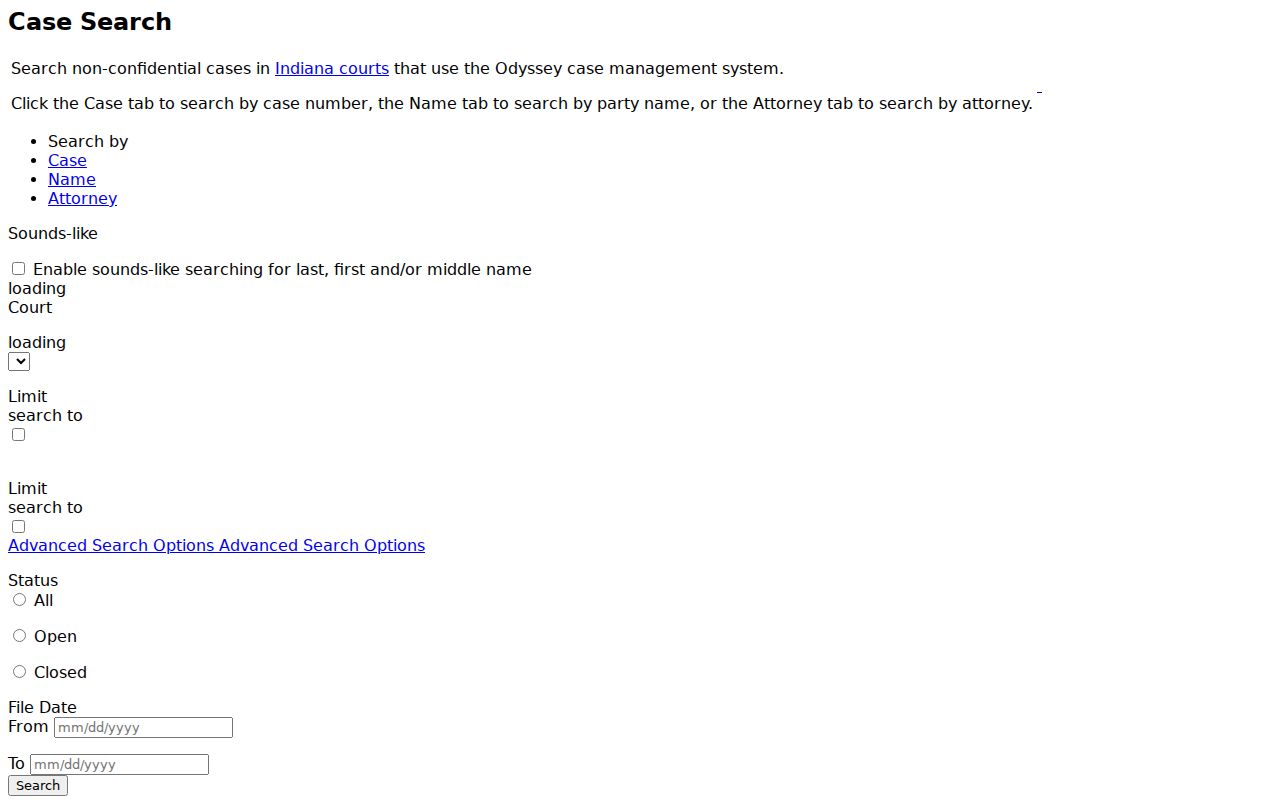
The screen offers Case, Name, and Attorney paths instead of one overloaded box. The search tips say to fill one identifier field at a time. Case, citation, and cross-reference numbers each have their own control. Advanced options add court and case-type filters. The case types change once a court is chosen.
Public data needs no account for a Scott County docket search. Parties can create an Indiana Courts account. They can request an access code to link their own cases. Attorneys use the Courts Portal with its attorney dashboard. Those account paths open party and attorney functions, yet restricted records stay restricted.
Scott County Party Search Choices
Stick to one name method at a time. Exact party search works best when you know the spelling. Sounds-like helps with a variation. A trailing wildcard catches names starting with the letters you type. You cannot combine the two. A company goes under Business Name, never typed in as a person.
Attorney search pays off when you know an Indiana attorney number. It helps most on a civil docket. Still, it only locates public cases; it is not a full practice list. After opening a result, confirm the Scott court and the case header.
Case Number Searches
Every Indiana cause number encodes the county, court, filing period, case type, and sequence. Scott Circuit numbers start with 72C01; Scott Superior numbers start with 72D01. The official search tips use a generic example like 57C03-8805-DR-06314. It is not a real Scott case. With an actual Scott number in hand, type the whole value.
You may drop hyphens and leading zeros. Exact formatting is safer. A citation number has no single statewide format, so use the citation field for it. Older agency or legacy numbers go in Cross Reference. Search one identifier at a time. Then check the court code and case type in the header. Transfers and related cases can spawn new numbers. Follow the public related-case and history fields instead of assuming a number never changes. The Indiana Odyssey list confirms both Scott courts run on the statewide system. Both have been live there since July 11, 2011.
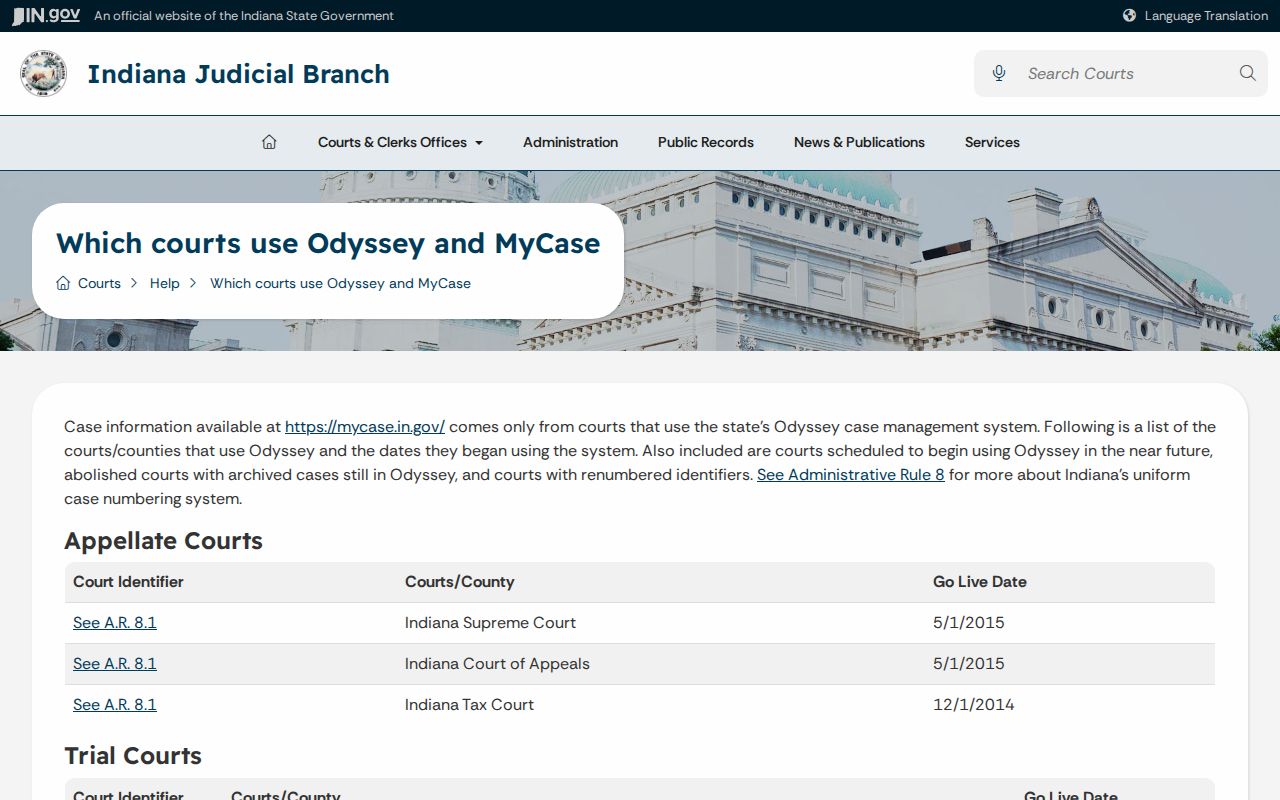
When one name shows up in several cases, the court-code rows sort Circuit from Superior with precision.
Scott Search Wildcards and Limits
The official MyCase search tips say a trailing asterisk runs a starts-with search. It will not match a substring in the middle of a word. Sounds-like broadens a party or attorney name but cannot pair with a wildcard.
Handy for spelling variants, yes. Broad searches carry costs, though. MyCase caps public results at 1,000. So narrow by Scott court, case type, status, and file date rather than treating a capped list as a full county index. A CAPTCHA may follow the Search click, mainly when activity looks like data mining or the browser is outdated. The official help recommends current Chrome, Firefox, or Edge and drops support for Internet Explorer.
Better query: Use one name method, one Scott court, and a useful filing window, then record the search date and selected filters.
Case Search Results Explained
A Scott County docket search result opens with a header. Next come parties, case metadata, settings, documents, financial fields, and the CCS. Read the CCS in date order. One document title or snippet cannot tell you the outcome. Many lines are notices, settings, orders, financial entries, or converted events. They are not downloadable documents at all.
| Case number and court | The Scott cause number and 72C01 Circuit or 72D01 Superior assignment. |
|---|---|
| Case type and status | The public type code, filing date, Open or Closed status, and disposition date when shown. |
| Parties and counsel | Public party roles and attorney appearances, subject to access limits. |
| CCS events | Dated filings, notices, settings, orders, judgments, results, and converted entries. |
| Settings | Public hearing type, date, time, location, judicial officer, result, or next setting when available. |
| Documents | Title, filing date, link or availability marker, and any confidential or unavailable indicator. |
| Financial and disposition | Public costs, balance indicators, judgments, sentencing, dismissal, transfer, or satisfaction fields when shown. |
MyCase warns users plainly. Its display is not the official record; it may hold errors or omissions, skip older material, and show financial information that is not current. The Scott County Clerk keeps the maintained record and the current balance.
Scott Documents Are Case-Specific
The Indiana public-access document lookup shows that online depth varies by case code and document type.
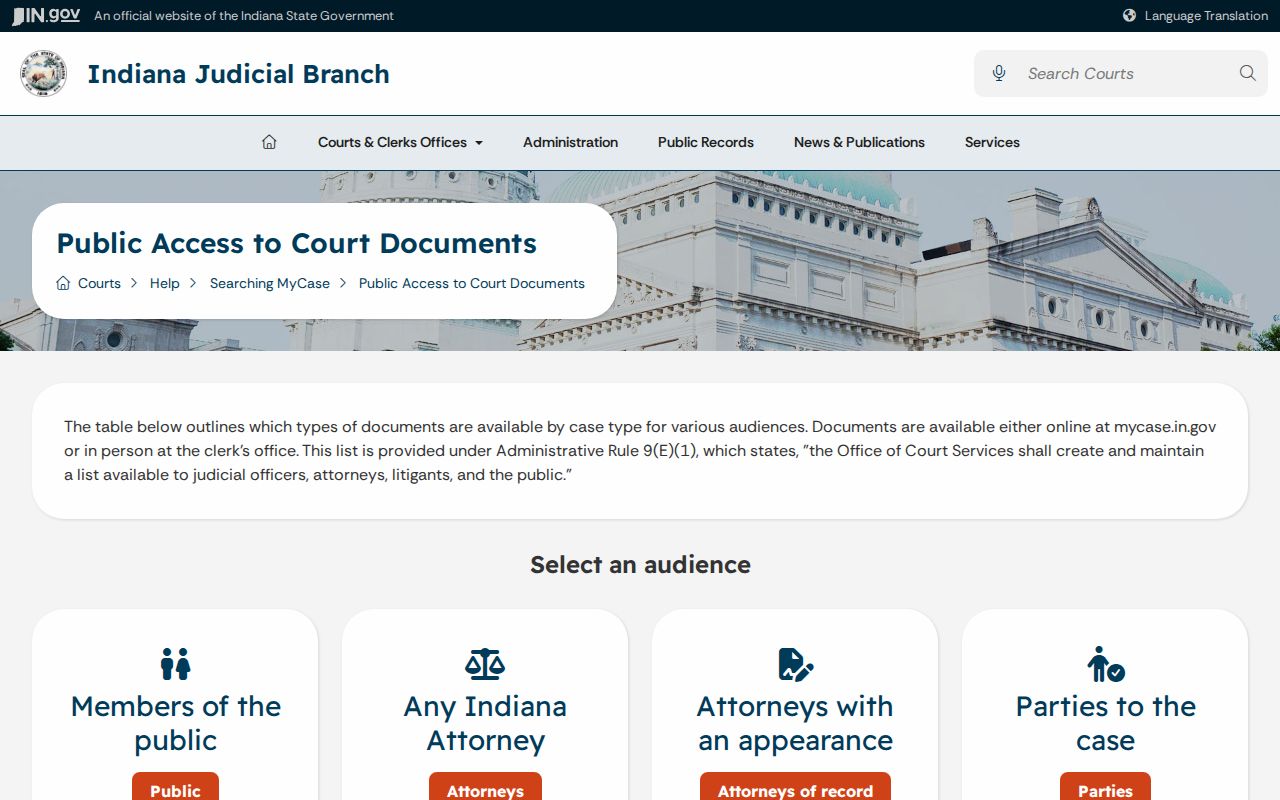
What you can pull up online depends on the case type. Sentencing orders are the main order category that felony and misdemeanor dockets list for public view. Most other filings stay off the web. Small claims posts nonconfidential orders. Wider file items may still take a trip to the Clerk. Many general civil codes put nonconfidential orders and documents online. Domestic-relations, juvenile, mental-health, adoption, guardianship, protection-order, and expungement categories face material limits.
A missing document icon proves nothing about whether a filing existed. It only means the item is not linked in that public display. Ask the Clerk for a public, nonconfidential copy. Tie the request to the cause number and the document date or title. For a transcript, go to the court reporter under the applicable procedure. Do not rely on a MyCase link.
Note: Search the case code in the current access table. Never assume a full pleading should be online.
Scott County Converted Docket Events
MyCase carries records converted from older electronic systems. A line marked "converted event" may not match a native Odyssey entry. Its fields and ordering can differ. It still counts as part of the public CCS display. An odd date or short description warrants a pause. Check the official file.
Never treat a converted line as a filing or an order. Do that only if the entry says so. Keep the date, the event words, the public actor, and the link status intact. When the converted display does not resolve the sequence, the Scott County Clerk can supply the maintained CCS or an available document.
Two Ways to Search: County and State
Scott County runs no separate public county docket reader. Because Circuit and Superior both use Odyssey, MyCase serves as the statewide public search and the online Scott access layer at once. The county route is the Clerk-held file, not a competing web portal. Each channel answers a different question about the docket.
| MyCase Statewide Search | Scott County Clerk Record |
|---|---|
| Searches public Odyssey information across participating Indiana courts. | Maintains the official Scott Circuit and Superior case file and CCS. |
| Works by case, name, business, attorney, citation, or cross-reference fields. | Handles specific requests by cause number, document, court, and date. |
| May show case events, settings, and selected public documents. | Provides public records not online, plain or certified copies, and current balances. |
| No account is required for ordinary public information. | Available through counter, phone routing, mail, fax, and the current email link. |
The Scott County Clerk sits at 1 E McClain Avenue, Suite 120, Scottsburg, IN 47170. The phone is 812-752-8420. The fax is 812-752-5459. Office hours run Monday through Friday, 8:30 a.m. to 4:30 p.m. Call first for an old, sealed, juvenile, or unusually large request. State rules contemplate a public terminal. Scott publishes no terminal details of its own.
MyCase Is Not the Official CCS
The official MyCase help page separates public convenience access from the court’s official record.
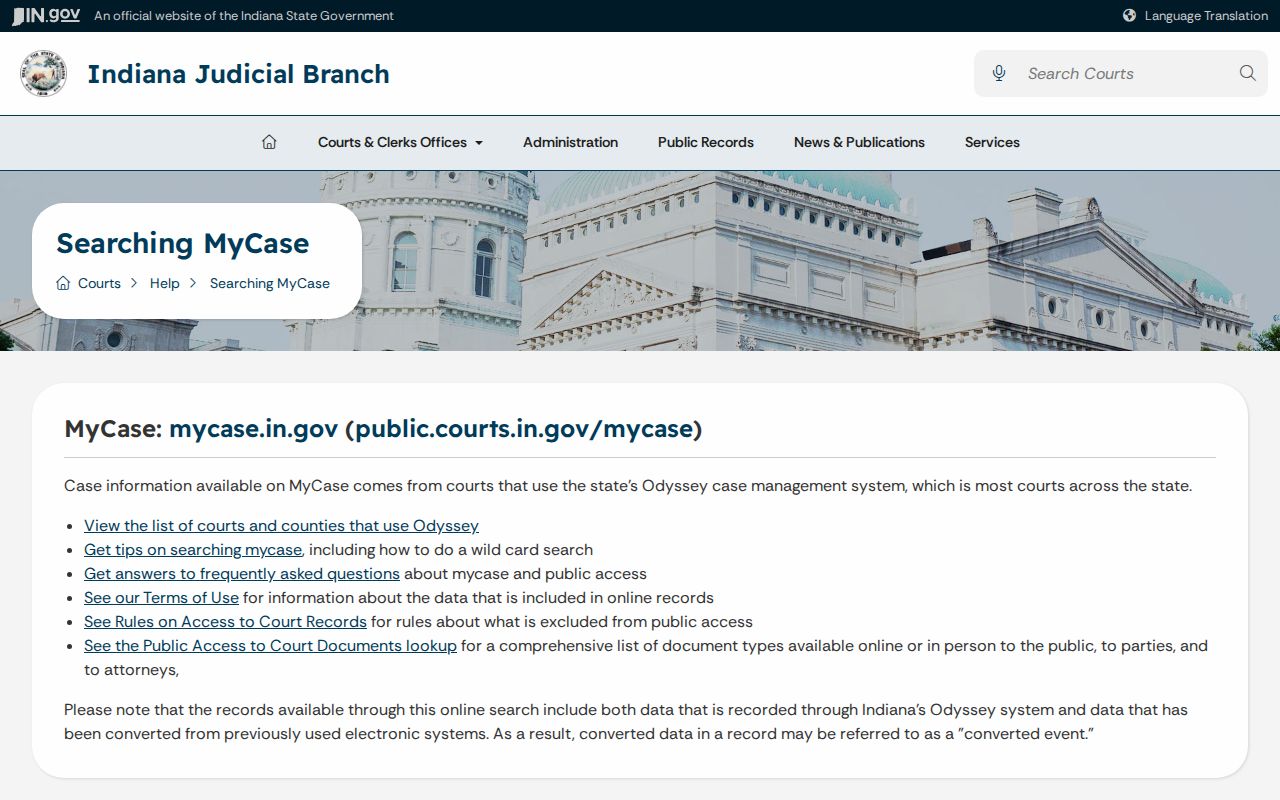
A newly filed or changed event has no published fixed refresh interval. Verify time-sensitive entries with the Clerk or the assigned court. Never call them stale or current on an assumed schedule. Older records may hold converted events from prior systems. Their date sequence can look strange. When sequence or meaning matters, inspect the maintained file.
A docket search should be reproducible. Write down the search date, court, case type, exact field, file range, status, wildcard or sounds-like choice, result count, cause number, last visible CCS event, and document-link state. Never save a full date of birth, private address, financial-account number, or other personal data from a sample screen.
Which Cases Stay Restricted
Indiana's Rules on Access to Court Records create a presumption of access, subject to exclusions. ACR Rule 5 protects specified information and categories. Juvenile, mental-health, protection-order, expunged, sealed, in-camera, and protected-identifier material may be absent or sharply limited. Domestic-relations and guardianship documents carry case-specific restrictions too.
A "no result" does not prove that no case exists. The terms may be wrong. The record may predate available data. A court may not be represented for that period. Access may be excluded. Granted expungements stay out of public view. Protection-order names and identifying details are not ordinary name-search material. An empty result tells you nothing about a private history.
Opening an excluded record requires a verified written request, notice, and a court order under ACR Rule 9. That path differs from an ordinary public copy request. For public material, identify the exact Scott court, cause number, record, and date. Then use the Clerk's published channels under the Indiana Access to Public Records Act and court access rules.
Scott County Search Balance Checks
A public result may show fees, payments, restitution, costs, or a balance indicator. MyCase warns that financial information may lag. Treat it as a window into the public case summary, then ask the Scott County Clerk for the current balance or payment history before acting in the case.
The same caution applies to disposition. "Closed" is a status, not a full account of the outcome. When the exact result matters, read the final CCS entries and obtain the public judgment, sentencing order, dismissal, satisfaction, or other controlling record from the court docket.
When Scott Search Finds Nothing
Start by clearing the query and changing one fact at a time. Confirm that Scott is selected as the court location, not treated only as a surname. Try the known cause number with no omitted characters. Then run a narrow name query, and search any business separately. Switch between 72C01 and 72D01 if the case type or routing was uncertain. Also check the current Scott local allocation rules.
- Record the exact failed query, filters, and search date.
- Check spelling, starts-with wildcard use, sounds-like selection, status, and file-date boundaries.
- Remove broad filters that may hide a transferred or converted case, then narrow again by Scott court.
- Call the Clerk with the party, approximate date, citation or agency reference, and likely case type.
- Request the public CCS or identified document through the counter, mail, fax, or current email-link channel if the online display remains incomplete.
For an imminent hearing, contact the court listed on the matched header. Circuit publishes 812-752-8430. Superior publishes 812-752-8424. The Scott County court schedule process explains why a case-level setting still needs direct confirmation. Bulk data requests belong with the Indiana Office of Judicial Administration, since MyCase's cap and CAPTCHA do not create a public export service.